· Hasan Alp Güngör
Translating game text without breaking {placeholders}: how LocaGen works
Machine translation breaks placeholders like {player} and %d in game files. Here is how I solved that in LocaGen and how the PRO version uses Gemini.
- Python
- PHP
- Gemini API
- Localization
Game text usually lives in a JSON file as keys and values, and translating a game looks as simple as translating those values. That's what I thought at first, until I ran into placeholders.
json{
  "welcome": "Welcome back, {player}!",
  "coins": "You have %d coins",
  "warning": "<b>Danger:</b> low health"
}
If you send that straight to a translation service, {player} sometimes comes back translated, %d turns into "% d" and the <b> tag goes missing. The game then can't find its placeholders and either shows the wrong text or throws an error.
Hiding the placeholders
My fix is simple: before translating, I find every placeholder and swap it for a marker like [VAR_0] or [VAR_1] that the translator leaves alone. When the translation comes back, I swap the markers back. Translators sometimes lowercase the marker, so I also check for [var_0].
pythonPATTERN = re.compile(r'(\{.*?\}|<.*?>|%[sd])')

def translate(text, target):
    placeholders = {}
    for i, match in enumerate(PATTERN.findall(text)):
        marker = f"[VAR_{i}]"
        placeholders[marker] = match
        text = text.replace(match, marker)

    result = GoogleTranslator(source="auto", target=target).translate(text)

    for marker, original in placeholders.items():
        result = result.replace(marker, original).replace(marker.lower(), original)
    return result
Keys are never touched; only values get translated. The file can be a flat key-value map or a list of objects, and both work.
The free version
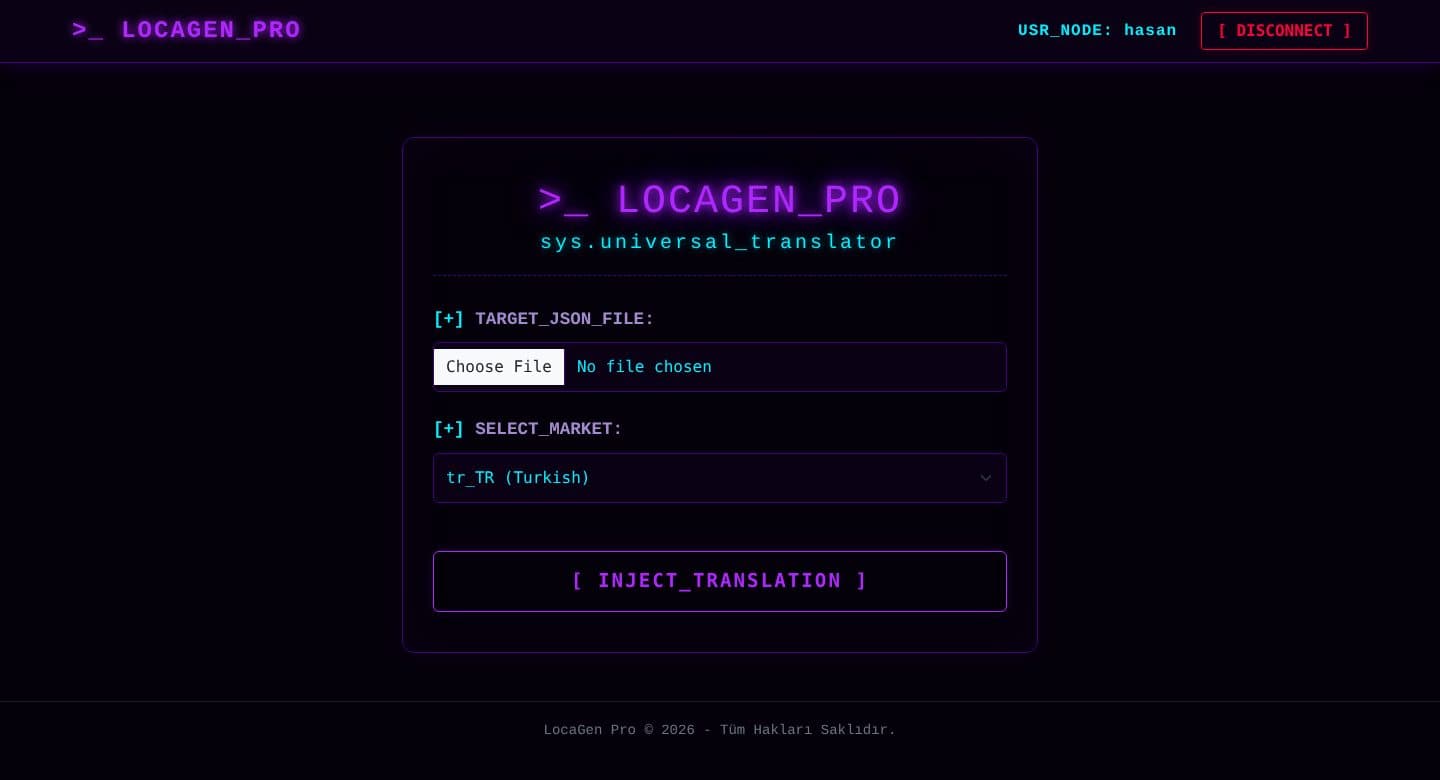
The free version is a desktop app written in Python. I designed its terminal-style interface with CustomTkinter and use Google Translate through deep-translator. Translation runs on a separate thread, so the interface doesn't freeze and the progress bar fills live. On launch the app checks GitHub for the latest release and downloads it if there's a new one.
The PRO version: Gemini that talks like a gamer
Google Translate gets the words right, but it doesn't know how games talk; terms like "health potion" come out robotic. In the PRO version Gemini 2.5 Flash does the translation. I tell it to act as a game localization expert, to translate terms the way a player would say them, to never touch the keys and to return nothing but valid JSON.
The biggest lesson from working with an AI model was not to trust its answer blindly. I always try to parse what Gemini sends back as JSON, and if it's invalid I show an error instead of handing the user a broken file. The PRO version runs on PHP and MySQL, with user accounts, translation history and an admin panel.